
How to Choose a VPN?

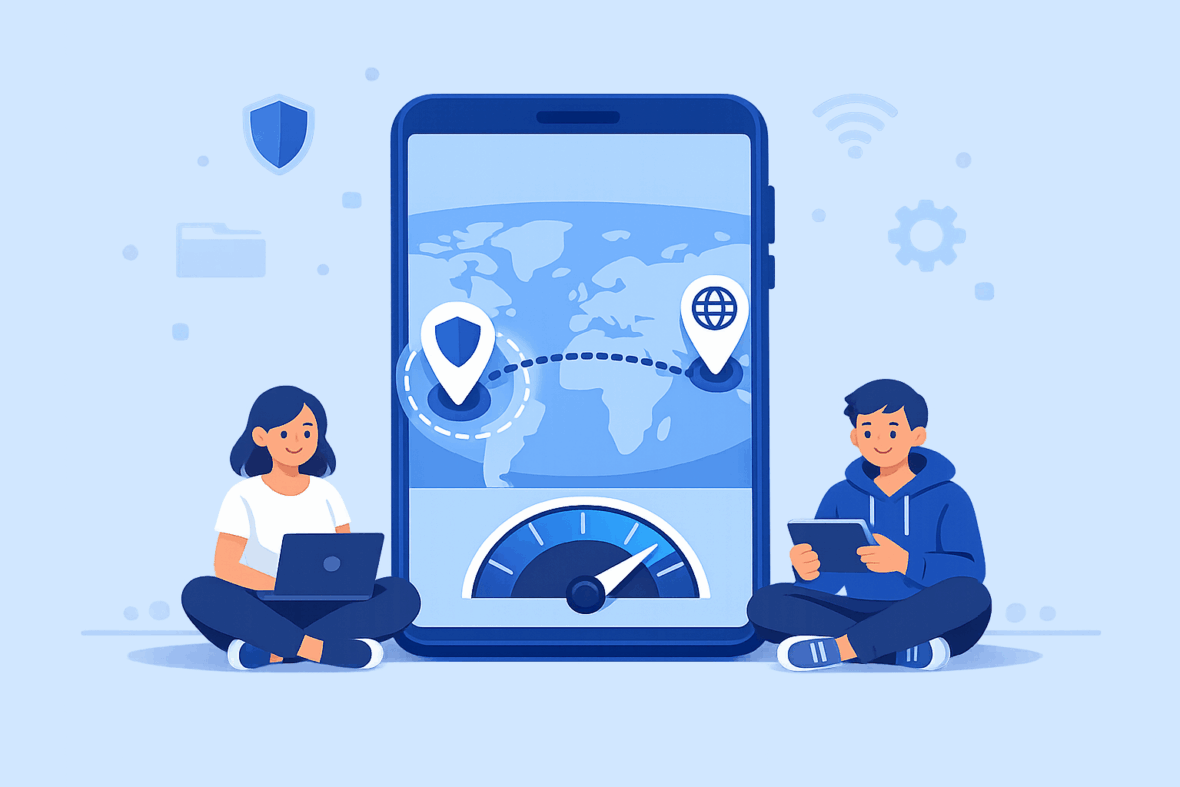
Choosing a VPN involves more than comparing prices or rankings. This guide explains the key factors to consider — from privacy and server networks to device compatibility — to help you make an informed decision based on your needs.
Start by Defining Your Use Case
Before comparing technical details, it helps to understand why you want a VPN in the first place. Different use cases prioritize different features, and choosing without this context can lead to unnecessary compromises.
Common reasons people look for a VPN
- 📶 Public Wi-Fi use: adding a privacy layer on shared or unsecured networks.
- ✈️ Travel: maintaining a more consistent browsing experience across regions.
- 🔒 General privacy: reducing exposure of a home IP address during everyday browsing.
- 💼 Remote work: protecting connections on home or mobile networks.
If your needs are limited to one or two scenarios, you may not need a service with every available feature.
What to Look for in a VPN
While many VPNs advertise similar features, a few core factors tend to have the greatest impact on how a service performs and how practical it is to use over time. Starting with these areas can help narrow down options more effectively.
Core factors to evaluate
- Security & Encryption How your data is protected in transit and how connections behave under unstable network conditions.
- Speed & Performance How consistently the VPN performs during everyday use, not just under ideal conditions.
- Server Locations Where servers are available and how well the network is distributed across regions.
- Privacy & Anonymity How transparently the provider explains data handling and what limits exist to privacy in practice.
Additional considerations
- Ease of Use
- Device Compatibility
- Customer Support
- Pricing & Plans
Security & Encryption
Security features define how a VPN protects information as it travels between your device and the VPN server. While most providers rely on encryption, the strength and implementation of that protection can differ.
Clear documentation of encryption standards and supported protocols is often more meaningful than broad security claims. Additional safeguards, such as kill switches or automatic reconnection, may help reduce accidental exposure if the VPN connection drops.
Because security features can behave differently depending on the device and operating system, results may vary across platforms.
💡 Security tip
When evaluating a VPN’s security, look for providers that clearly document their encryption methods and protocols in plain language. Vague or purely marketing-focused descriptions can make it harder to understand how protection works in practice.
Server Locations
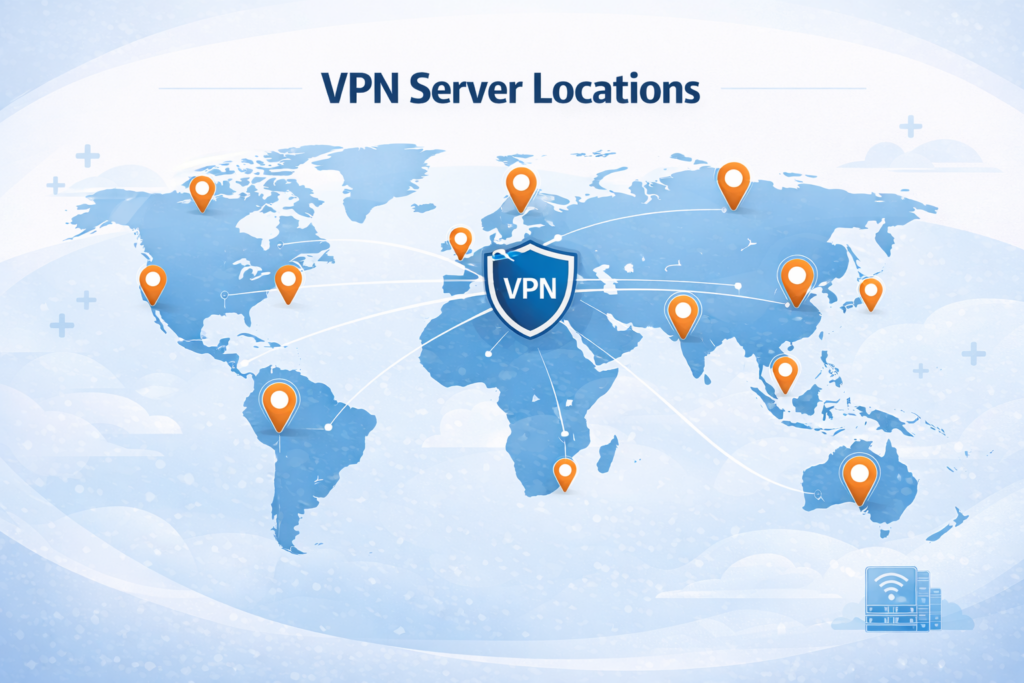
Server locations determine where your VPN connection can appear to originate from and can influence both performance and access to region-based services.
A large server count alone does not guarantee better results. Regional balance, proximity to your location, and transparency about physical versus virtual servers can matter just as much.
Availability of specific countries or regions may change over time and can differ between subscription plans.
Speed & Performance
Using a VPN adds an extra step to your internet connection, which can affect speed and latency. How noticeable this impact is depends on multiple technical and environmental factors.
Consistency is often more important than peak speed. A VPN that performs reliably across different locations and times of day may be more practical than one that only performs well under ideal conditions.
- Distance to the selected server
- Current server load and network congestion
- The VPN protocol in use
Privacy & Anonymity
Privacy policies describe how a VPN handles user data, but the level of detail and clarity varies widely between providers. Understanding these details can help set realistic expectations.
A VPN can reduce exposure of a public IP address, but it does not make online activity anonymous. Tracking methods tied to accounts, cookies, or browser settings can still apply.
❗ Important context
Privacy depends on both technical measures and policy transparency. Reviewing what data is collected and why can be as important as the tools themselves.
Other Factors Worth Considering
Beyond the core technical features, practical considerations can influence how suitable a VPN is for long-term use. These factors may not affect performance directly, but they often shape the overall experience.
Ease of Use
Simple interfaces and sensible default settings can make a VPN easier to use consistently, especially for less technical users.
Device Compatibility
Most VPNs support major platforms, but feature availability and connection limits can vary across devices and plans.
Customer Support
Support quality often matters most when problems occur. Response time and clarity of guidance can be more important than the number of support channels offered.
Pricing & Plans
Pricing structures vary by subscription length and features included. Evaluating total cost, plan flexibility, and any refund policies can help avoid unexpected commitments.
Choosing a VPN: FAQs
-
How do I know if a VPN is trustworthy?
Trustworthiness is often reflected in transparency. Clear privacy policies, documented practices, and independent audits can provide more insight than marketing claims alone.
-
Is a more expensive VPN always better?
Not necessarily. Pricing does not always correlate with privacy practices or performance. Evaluating features and policies is usually more informative.
-
Should I choose a VPN based on location?
Server locations can matter for performance and access, but the provider’s overall network quality and transparency are often more important.