
Do I Actually Need a VPN?

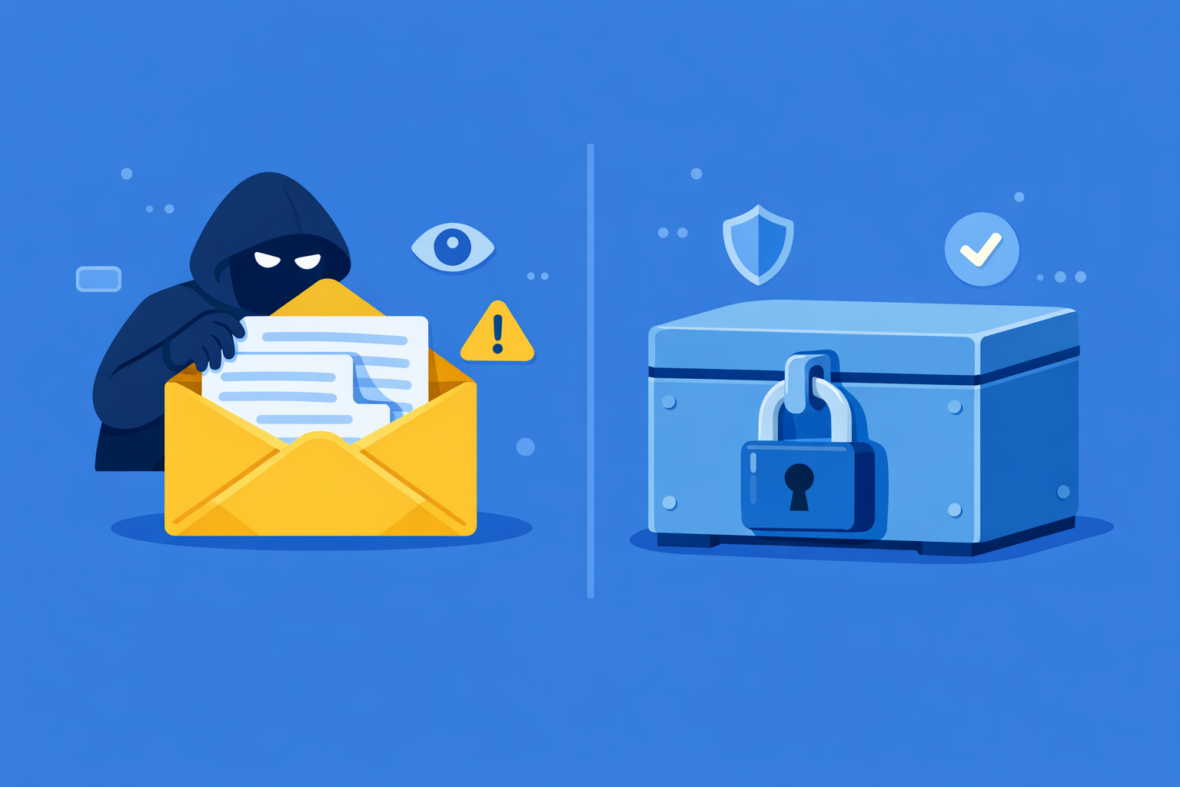
VPN marketing suggests everyone needs one immediately. Reality is different. VPNs are genuinely useful for some users in specific situations, completely unnecessary for others, and a waste of money for many people who buy them without understanding their actual threat.
Whether you actually need a VPN depends entirely on your internet usage, network environment, threat model, and privacy concerns—not on marketing claims or general recommendations. Some people use VPN daily and get real security benefits; others buy VPN subscriptions and never use them because their situation doesn’t warrant it. Understanding your actual needs helps you avoid unnecessary spending and make informed decisions about online security.
This guide helps you evaluate whether VPN is actually useful for your specific situation, when it genuinely solves problems, when it doesn’t, and what threats VPN actually addresses versus what it doesn’t.
When VPN Is Actually Necessary or Highly Useful
VPN genuinely solves real problems for certain users. These are situations where VPN adds meaningful security or privacy value.
| Public Wi-Fi users (frequent) | If you regularly work from coffee shops, airports, hotels, or libraries on untrusted Wi-Fi, VPN encrypts your traffic and prevents other network users from intercepting passwords or data. This is VPN’s strongest use case. |
|---|---|
| Travelers crossing countries | If you travel internationally and want to maintain privacy from ISPs in multiple countries, or access your home region’s content, VPN is genuinely useful. Each country has different privacy laws and ISP practices. |
| Privacy from ISP monitoring | If your ISP throttles specific traffic types (gaming, streaming, torrenting), VPN can hide your activity. If you want privacy from your ISP about what sites you visit, VPN helps. |
| Restricted internet environments | If you live in or travel to countries with heavy internet censorship or filtering, VPN may bypass restrictions. This is a legitimate and sometimes critical need. |
| Remote workers on home networks | If your employer requires VPN for security, you need it. Even without employer requirements, if you handle sensitive work data on home Wi-Fi, VPN adds a layer of protection. |
| Hiding IP address from websites | If you want websites to not know your location based on your IP, VPN masks your IP. This is useful for privacy-conscious users but not critical for most people. |
These scenarios involve real threats (ISP monitoring, network eavesdropping, censorship) that VPN actually mitigates.
When VPN Is Not Necessary
For many users, VPN offers minimal practical benefit and may be unnecessary spending. These are common situations where VPN doesn’t solve a real problem.
| Home Wi-Fi only users | If you only use your own home Wi-Fi (secured with a strong password), you’re on a trusted network. Your ISP can see your traffic, but that’s a different threat than public Wi-Fi eavesdropping. VPN adds minimal value here. |
|---|---|
| Users in countries with privacy laws | If you live in countries with strong privacy regulations (EU, Canada), ISP monitoring is less of a threat. You have legal protections. VPN is optional rather than necessary. |
| Users with good password hygiene | If you use unique, strong passwords and two-factor authentication everywhere, the risk of public Wi-Fi password theft is minimal. VPN helps, but so does good security practices. |
| Users unconcerned about IP location | If you don’t care whether websites know your approximate location (which they can infer even without your IP), VPN’s IP masking isn’t valuable. |
| Users who don’t use public Wi-Fi | If you only use home Wi-Fi and mobile data networks (both reasonably secure), public Wi-Fi eavesdropping isn’t a threat you face. |
| Users relying on HTTPS everywhere | If you only visit HTTPS websites (encrypted end-to-end), VPN’s encryption redundancy adds little value. HTTPS already protects your traffic content from ISP and network eavesdropping. |
These users may still benefit from VPN, but the benefit is marginal and might not justify the cost and complexity.
Do You Need VPN? User Scenarios
Different users have different threat models. Here’s whether VPN is genuinely useful for your situation.
Your answer depends on your actual network environment and threat concerns. If you’re “MAYBE,” the next section helps you evaluate more carefully.
How to Evaluate Your Own VPN Need
Instead of generic recommendations, ask yourself these specific questions about your situation.
- How often do I use public Wi-Fi? If “regularly” (multiple times per week), VPN is probably worth it. If “rarely” (a few times per year), probably not.
- What do I do on public Wi-Fi? If you log into email, banking, or work accounts on public Wi-Fi, VPN is valuable. If you just browse news sites, less valuable.
- Am I concerned about my ISP seeing what sites I visit? If yes, VPN helps. If no, you don’t need it for this reason.
- Do I want to hide my location from websites? If yes, VPN is useful. If you don’t care if websites know you’re in New York, this isn’t a reason to buy VPN.
- Do I already use HTTPS everywhere? If yes, your traffic is encrypted end-to-end. VPN is redundant for encryption, though it still hides your ISP’s view and your IP address.
- Is my home Wi-Fi secured with a strong password? If yes, you’re probably safe at home. If no, secure your Wi-Fi first before considering VPN.
- Do I have strong password practices (unique passwords, 2FA)? If yes, public Wi-Fi risk is lower. If no, improve passwords first; VPN is less important than password security.
- Would the cost impact my budget? If $5-10/month is a stretch, is the actual benefit worth it? Be honest about your needs.
💡 Honest assessment
The marketing push makes VPN seem essential. It’s not. Be honest about your actual situation. If none of the “when VPN is necessary” scenarios apply to you, you probably don’t need it.
What VPN Doesn’t Protect You From (Common Misconceptions)
VPN is useful, but it’s not a security cure-all. Many people think VPN solves problems it actually doesn’t.
| VPN doesn’t prevent malware | If you download malware, VPN doesn’t stop it. Antivirus software and careful downloads matter more than VPN. |
|---|---|
| VPN doesn’t make you anonymous | Websites can still identify you through logins, cookies, and browser fingerprinting. Your email address, account name, or behavior patterns identify you regardless of VPN. |
| VPN doesn’t protect you from phishing | If you click a phishing link, VPN doesn’t help. Email security and user awareness matter more. |
| VPN doesn’t encrypt HTTPS traffic content | Websites already encrypt HTTPS traffic end-to-end. VPN adds no encryption benefit here, only hides your IP and ISP visibility. |
| VPN doesn’t let you do illegal things legally | VPN doesn’t change the legality of what you do. Illegal activities remain illegal with or without VPN. |
| VPN doesn’t protect you from account hacks | If your password is weak or compromised, VPN doesn’t help. Strong passwords and 2FA matter more. |
| VPN doesn’t guarantee privacy | VPN providers can log your activity. You’re trusting the VPN provider with your data instead of your ISP. |
VPN is not a substitute for good security practices. It’s a tool for specific threats (public Wi-Fi eavesdropping, ISP monitoring). It’s not a replacement for antivirus, strong passwords, or critical thinking.
💡 VPN as security theater
Buying VPN without addressing basic security (weak passwords, unpatched software, clicking phishing links) is like buying a security system while leaving your front door unlocked. VPN solves specific problems, not all problems.
Alternatives and Complements to VPN
If you’re evaluating VPN, consider what problems you’re actually trying to solve and whether other tools might work better.
| Your concern | Better solution than VPN | Or use with VPN |
|---|---|---|
| Weak passwords | Use password manager; enable 2FA | More important than VPN |
| Malware risk | Antivirus software; careful browsing | VPN doesn’t help with malware |
| ISP throttling | Switch ISPs; contact ISP to complain | VPN can help hide traffic |
| Public Wi-Fi eavesdropping | Use mobile hotspot instead | VPN solves this effectively |
| Account hacks | Use 2FA; strong passwords | More important than VPN |
| Location tracking | Browser privacy settings; ad blockers | VPN helps, but incomplete solution |
Build security in layers: Strong passwords → 2FA → HTTPS awareness → VPN (if needed) → Antivirus → Safe browsing. VPN is part of a security strategy, not the entire strategy.
Cost vs. Benefit: Is VPN Worth the Money?
VPN subscriptions cost $3-15 per month. Is that worth it for your situation?
VPN is worth the cost if: You use public Wi-Fi regularly for work or sensitive accounts. You travel internationally. You want privacy from your ISP and are willing to trust a VPN provider instead. You want to bypass ISP throttling or geographic restrictions. The security/privacy value clearly exceeds the monthly cost.
VPN is not worth the cost if: You only use home Wi-Fi. You rarely handle sensitive data. You’re not concerned about ISP monitoring. You’re buying it “just in case” without a specific use case. The cost is a stretch on your budget and there’s no clear threat it addresses.
Be honest about the math: VPN costs $60-180 per year. If it solves a genuine problem you face regularly, that’s reasonable. If you’re buying it because VPN marketing made you feel like you “need” it without a real threat to mitigate, that’s money wasted.
💡 Try before committing
Many VPN providers offer free trials (1-7 days). Use a trial to test if VPN actually improves your experience for your specific use case. If it doesn’t make a noticeable difference, you probably don’t need it long-term.
Frequently Asked Questions: Do I Need a VPN?
-
Is a VPN essential for everyone?
No. VPN is useful for specific scenarios (public Wi-Fi, travel, ISP privacy), but not necessary for home Wi-Fi-only users or people in privacy-protecting countries. It’s optional, not mandatory.
-
Can I get by without a VPN?
Yes, most people can. Combine strong passwords, 2FA, HTTPS-only browsing, and avoiding untrusted networks. VPN helps, but it’s not the only tool for online security.
-
Is VPN more important than strong passwords?
No. Strong passwords and 2FA are more important. A weak password is exploited far more often than public Wi-Fi eavesdropping. Prioritize password security first, then consider VPN.
-
Should I use VPN at home?
Only if you want privacy from your ISP specifically. If your home Wi-Fi is secure (strong password, WPA2+), you don’t need VPN for encryption. You mainly need it for ISP visibility concerns.
-
Is VPN a substitute for antivirus?
No. VPN encrypts traffic; antivirus prevents malware. They solve different problems. You need both if you’re concerned about both threats.
-
What if I travel occasionally?
If you travel once or twice per year and use public Wi-Fi minimally, VPN is optional. If you travel frequently or use public Wi-Fi regularly while traveling, VPN becomes more justified.
-
Can free VPN replace paid VPN?
Not reliably. Free VPNs often have limited servers, slower speeds, and questionable privacy practices. If you decide you need VPN, paying for a reputable provider is worth the cost.
-
What’s the biggest threat I’m protecting against with VPN?
Public Wi-Fi eavesdropping (other users on the network intercepting your traffic) and ISP monitoring (your ISP seeing which sites you visit). For most people, the public Wi-Fi threat is the primary reason to use VPN.